Monitoring and alerts
Local storage provides out-of-the-box monitoring and alerting capabilities. After enabling the platform monitoring component, you can monitor and alert on storage clusters, storage performance, and storage capacity, and configure notification policies. The intuitive monitoring data can be used to support decision-making for operations and maintenance inspections or performance tuning, and the comprehensive alert mechanism will help ensure the stable operation of the storage system.
Monitoring
Performance Monitor
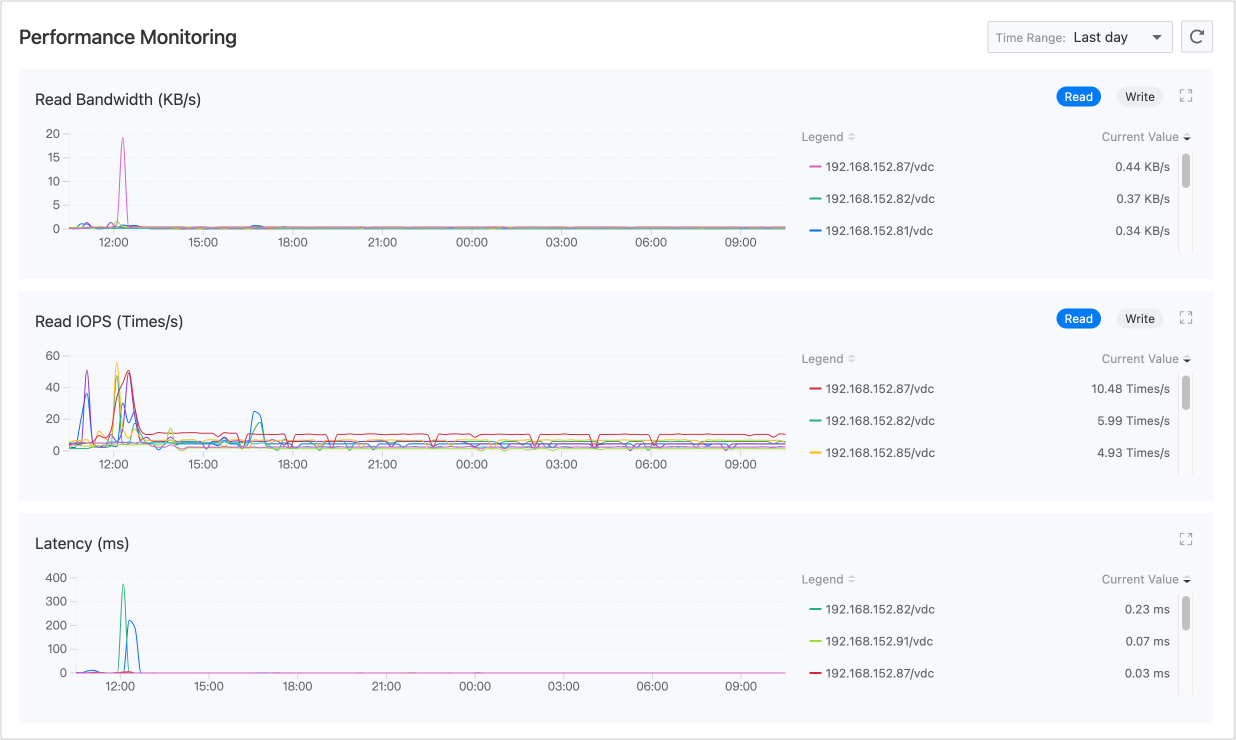
The platform collects common performance monitoring indicators such as read and write bandwidth, IOPS, and latency for local storage by default. On the Monitoring tab of the Storage > Local Storage page, you can view real-time monitoring data for these indicators.
Capacity Monitor
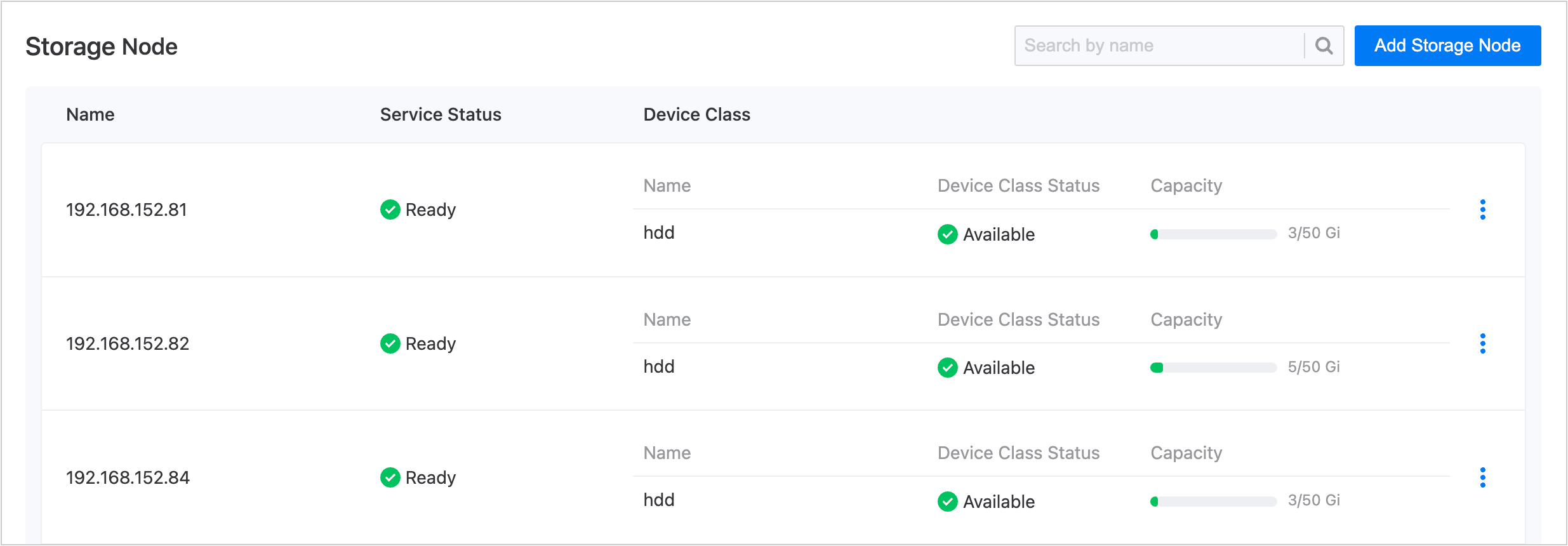
Since local storage can only use storage resources local to the node, storage users must ensure that there is sufficient available capacity on the node before declaring local storage to avoid affecting usage due to over-declaration.
To address this, the platform provides capacity monitoring for device classes in the Details of local storage. If the available capacity of a certain device class is insufficient, you need to first clean up space or add disk devices before using local storage.
Alerts
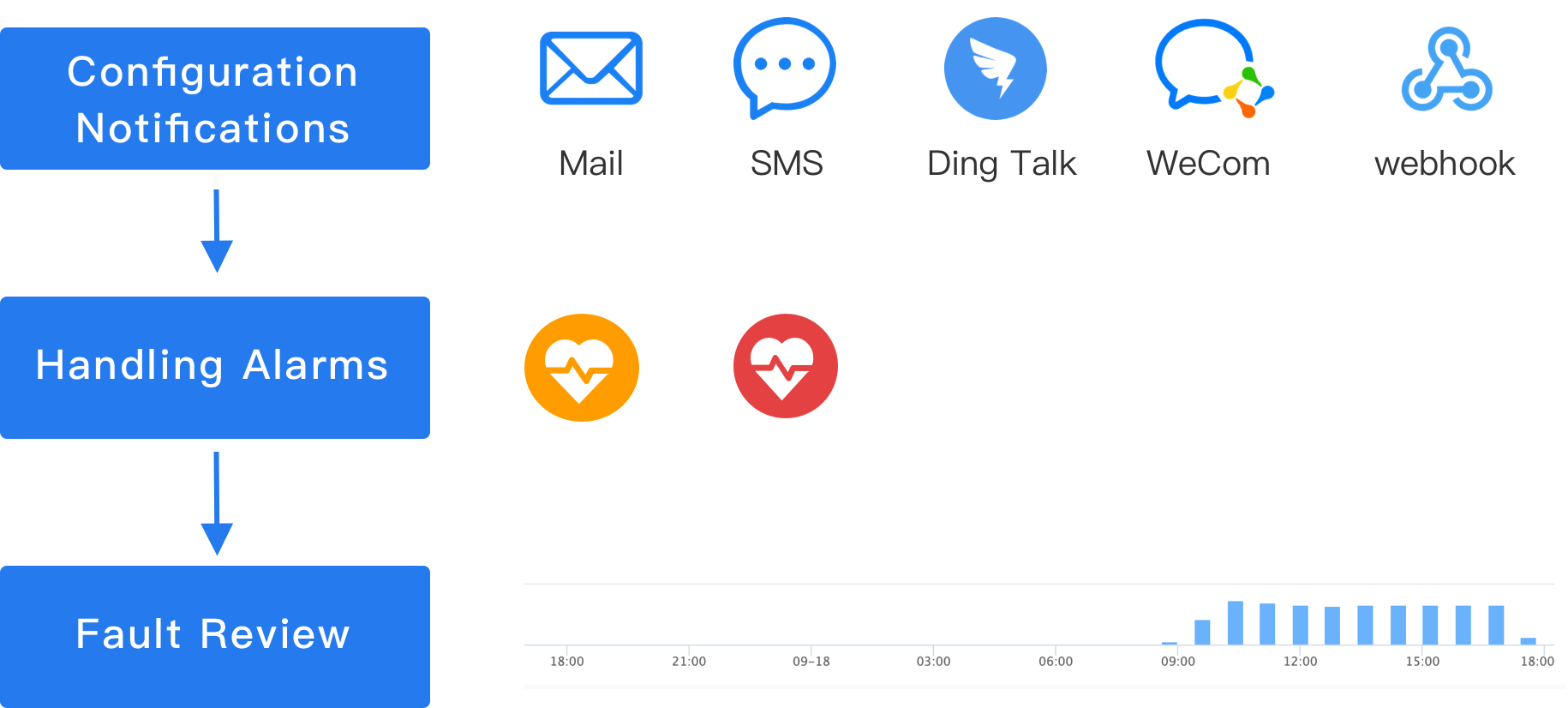
The platform enables a set of alert policies by default. Once a resource exception or monitoring data reaches a warning state, an alert will be triggered automatically. The preset policies can meet common operational and maintenance requirements such as cluster status alerts and device class capacity alerts.
Configuration notification
To receive alerts in a timely manner, it is recommended that you set up notification policies in the Operations Center to send alert information to relevant personnel via email, SMS, etc., reminding them to take necessary measures to solve problems or avoid faults. Click  to switch to the Operations Center to complete the operation.
Handle alerts
-
If the health status of the storage cluster is “Alert” in the monitoring, you can refer to the table below to troubleshoot and handle each item on the Details page of the local storage.
Item Corresponding Status Reason Health Status Alert Caused by abnormal node services or device class exceptions. Service status Unknown That is, the node is in a disconnected state of notready, which may be caused by network failures or power outages.Device Class Status Unavailable The disk used may not be a raw disk, or the disk may not exist. -
If a real-time alert is triggered on the Firing tab, even if the storage cluster is currently in a “Healthy” state, the alert should be handled promptly to avoid further faults. The table below shows the meanings of the alert levels used in the preset policies, which can serve as a reference for you to formulate alert handling principles.
Alert Level Meaning Critical The failure of the resource corresponding to the alarm rule results in platform service interruption, data loss, and significant impact. Height The resource corresponding to the alarm rule has known issues that may cause platform function failure and affect normal business operations. Medium The resource corresponding to the alarm rule has operational risks. If not handled in a timely manner, it may affect normal business operations.
Fault review
History records all alarms that have been triggered and no longer need to be processed. When using alarm history for fault analysis, in order to effectively achieve the goal of experience summary, you may need to answer the following questions.
-
What were the specific abnormal conditions when the incident occurred?
-
If a certain alarm in the alarm list repeatedly appears, is there a pattern to follow? Can it be avoided before it happens again?
-
If the timeline shows a significant increase in alarms during a certain period, was it caused by force majeure or operational accidents? Is it necessary to adjust the operational plan?