Firefox browser SSO login failure in Harbor, how to resolve?
Problem description
Due to stricter certificate validation requirements in the Firefox browser, when the platform is deployed with a self-signed certificate and the platform’s access address is in the IP:Port format, accessing the platform via HTTPS in Firefox will encounter a certificate signature verification failure.
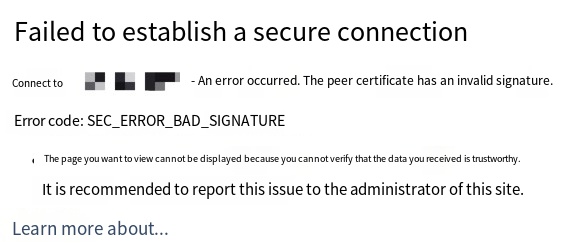
Therefore, when deploying Harbor on the platform, even if the SSO Login feature is enabled, SSO login to Harbor using the Firefox browser is not possible, and the error message is displayed as shown in the image below.
Solution
Access the platform using the platform-compatible Google Chrome browser.