Global docking Keycloak
Keycloak is an open-source solution for modern application services, identity authentication, and access management. The platform supports docking with Keycloak and implements single sign-on based on the OIDC protocol.
Procedure
-
Log in to Keycloak as a user with administrator privileges.
-
Manually create clients named “dex” in the Keycloak platform:
-
Copy and save the secret for later use.
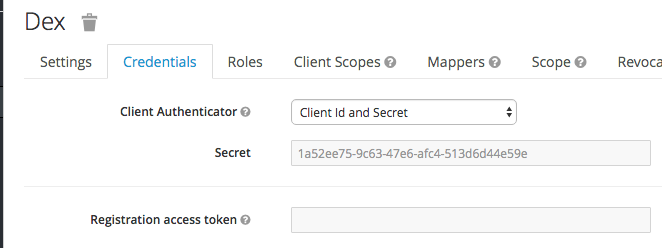
-
Configure OIDC, refer to the document Adding OIDC .
-
Create a user and log in. Click Mappers > create in the Client ID “dex” with the following parameters:
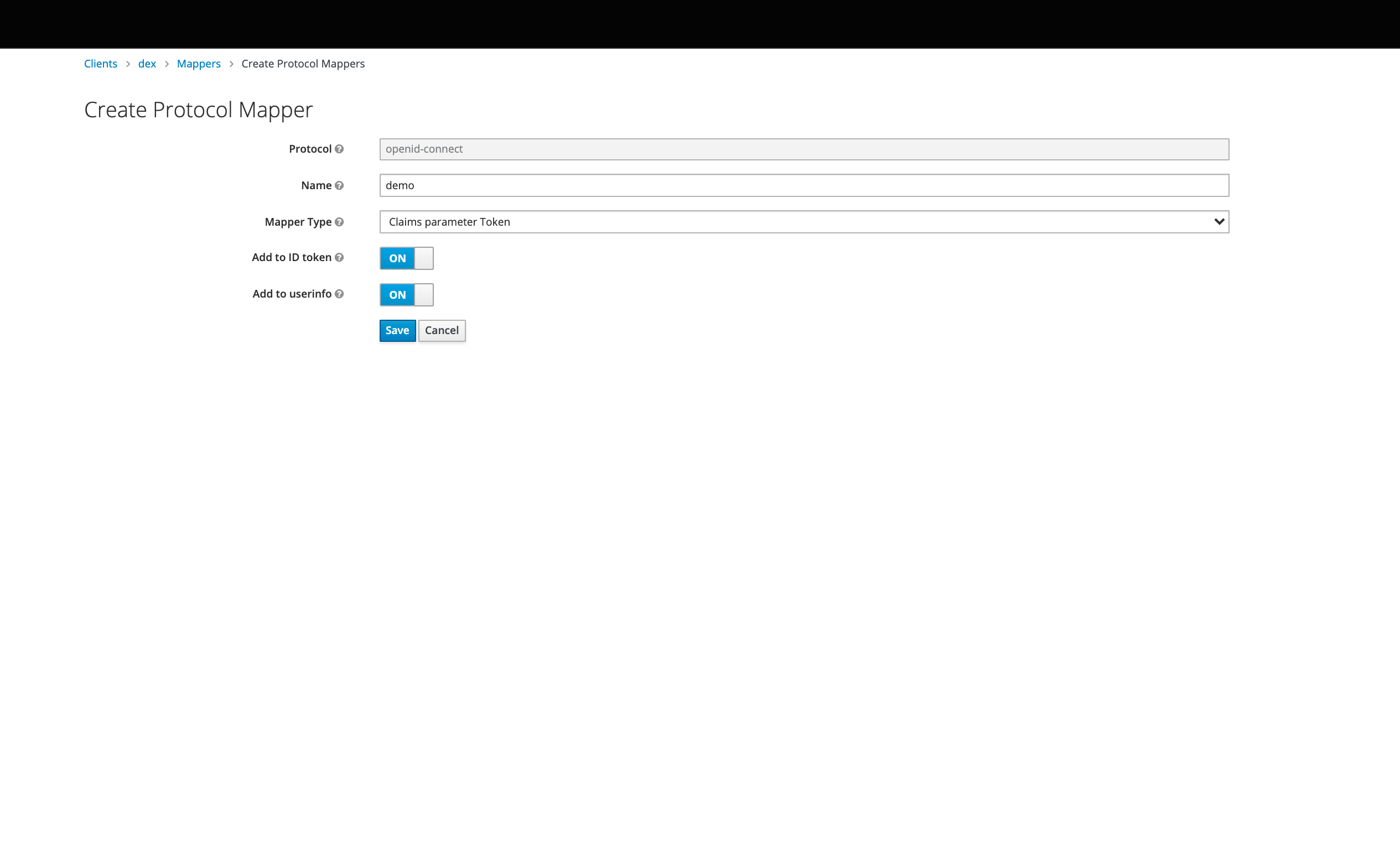
Click the Attributes tab and add the “email_verified” attribute.
-
Set a password for the user.
-
Configuration completed.