
Logging into the Virtual Machine using VNC
Log into the virtual machine using the Web Console (VNC) as an emergency operation method.
TOC
ProcedureProcedure
-
Access the Container Platform.
-
In the left navigation bar, click Virtualization > Virtual Machines.
-
Click ⋮ > VNC Login.
-
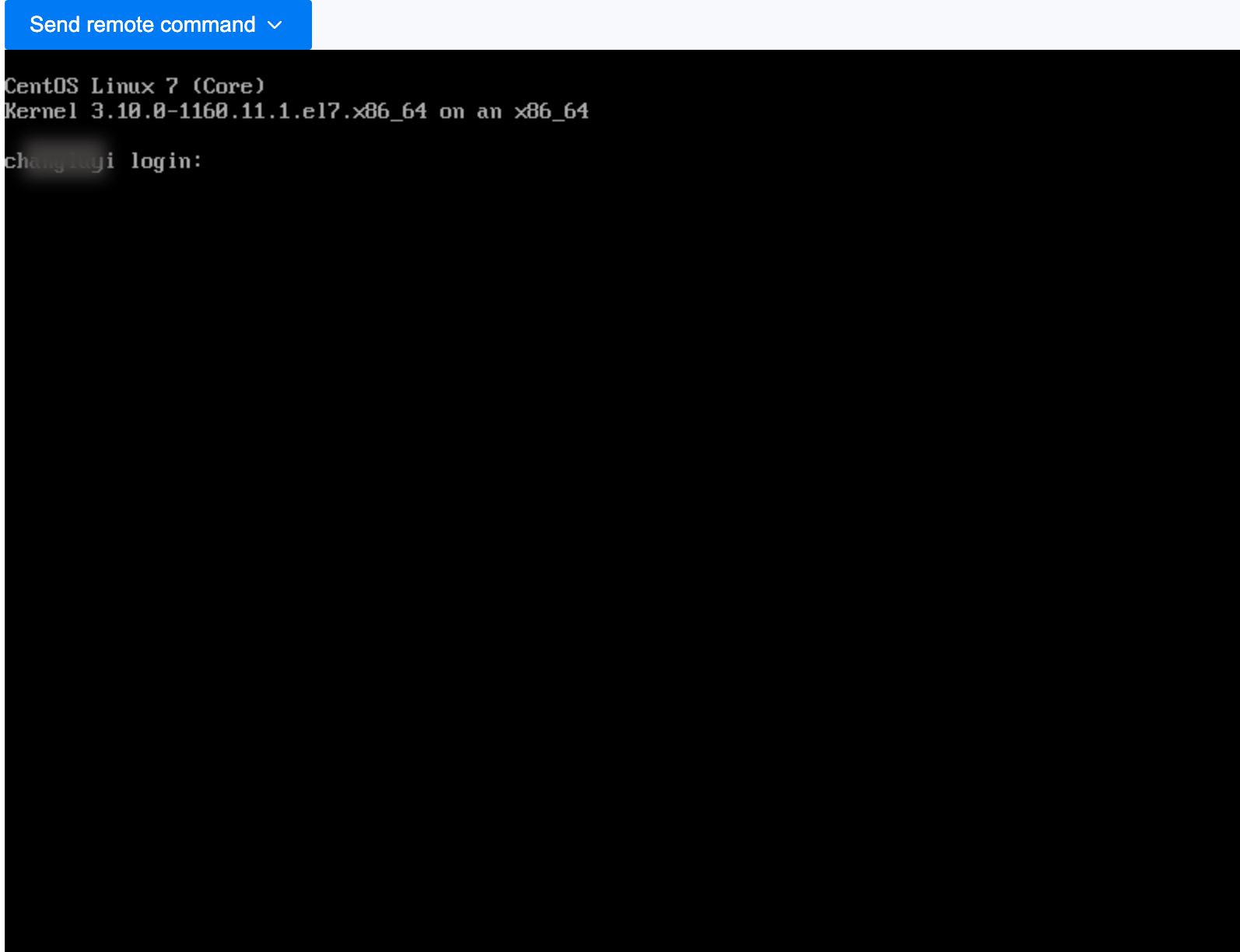
The console window will open automatically; you will need to enter your username and password to log in.
Note:
-
Supports sending common keyboard commands.
-
Supports copying and pasting commands and parameters.
-